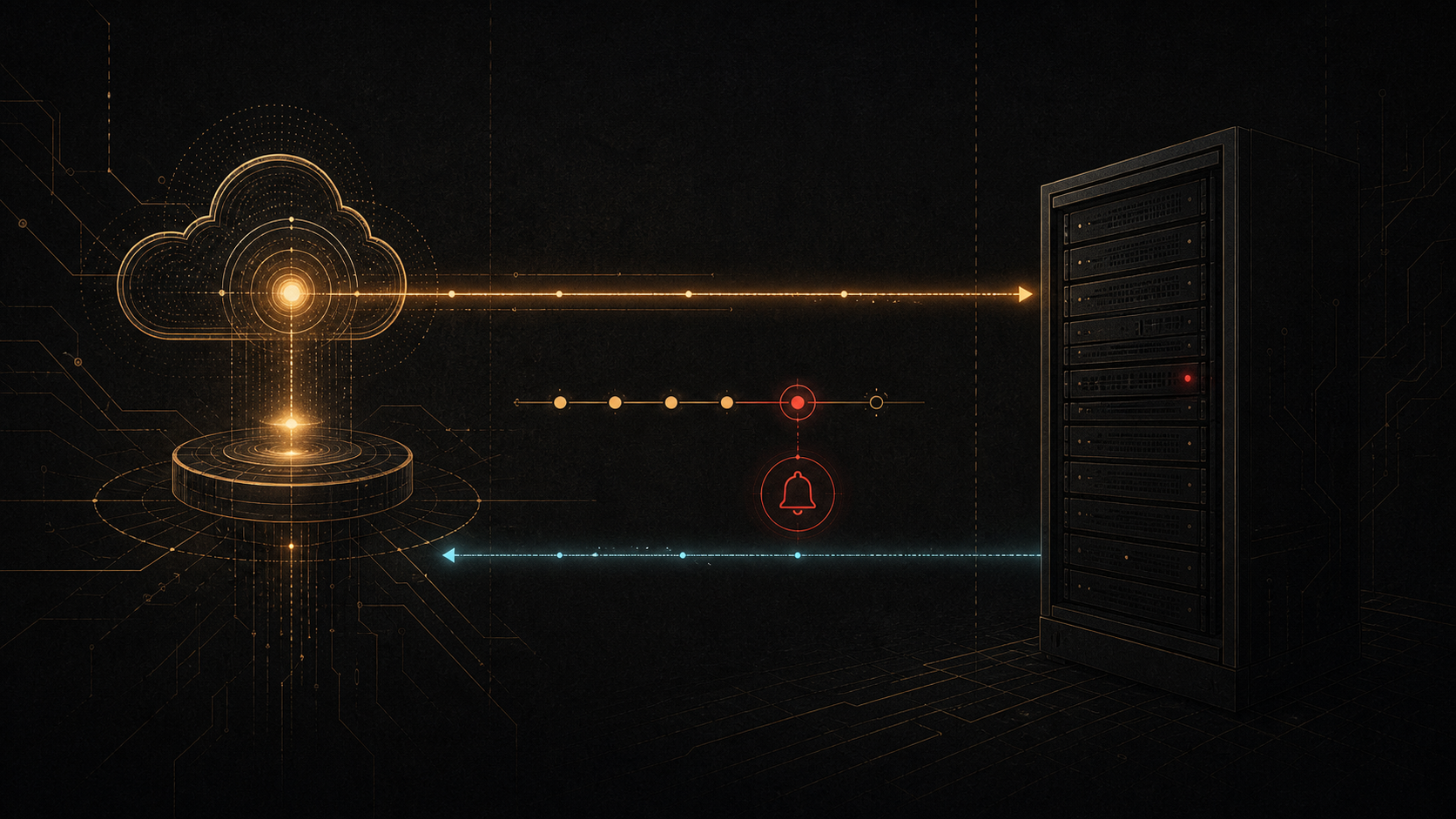
Replacing Uptime Kuma with Cloudflare Workers: a monitor that survives the server
Monitoring should answer one plain question: can someone outside my infrastructure reach the service? That answer is not dependable when the status page and the checker live on the same machine as the services. A server can lose its network connection, hang, or stop altogether. When that happens, the monitor disappears with everything else.
That was the weak point in my Uptime Kuma setup. It had a useful interface and a solid set of checks, but it lived inside the infrastructure it was supposed to watch. I moved the monitoring to Cloudflare Workers and left the server as the thing being checked.
The failure mode I needed to cover
A self-hosted monitor feels reassuring while the host is healthy. It shows green cards, keeps a history, and looks like an answer. The awkward case is the one that matters most: the host itself becomes unreachable.
At that point, it is hard to tell whether one service failed, the network failed, the server failed, or the monitoring page simply stopped loading. Uptime Kuma cannot notify me that it is unavailable, because it is no longer running.
I needed a separate observer that would keep making requests even if the server vanished from the network.
The new arrangement
A Cloudflare Worker now runs the checks on a schedule. Once a minute, it requests the services’ HTTP endpoints from Cloudflare’s network. The configuration currently covers 37 checks across public sites, APIs, internal endpoints, and external dependencies.
The results do not stay in logs. The Worker writes current state and history to Cloudflare D1. A status page on Cloudflare Pages reads that data and shows the overall state, the last update time, and a compact history for every check.
The pieces are simple:
- A Cloudflare Worker runs checks outside the server.
- D1 stores current state and incident history.
- The status page presents the result by product.
- Telegram receives outage and recovery notifications.
TL;DR: start with the boilerplate
I also made the blank version of this setup public: Cloudflare Uptime Starter. It has no MarketMaker logo, monitor list, or notification credentials. The starter uses the same independent checker and D1 state, with a status-page Worker that is ready for current Next.js deployments on Cloudflare.
The short path is:
- Create a repository from the template and replace the
example-siteentry inconfig/public.tswith a public endpoint you own. - Run
npm ciandnpm --prefix worker ci, then create a D1 database with Wrangler. - Put the returned D1 ID in both Wrangler configuration files, initialize it with
init.sql, and deploy the checker and status page. - Add the optional notification URL and JSON payload as Worker secrets. They never belong in the TypeScript configuration or GitHub Actions YAML.
The README in the template has the exact commands. It is a better starting point than copying the production configuration because that configuration includes project-specific monitor names and operational details.
Notifications that are useful during an outage
One failed request is not always an outage. It can be a brief network delay, an application restart, or a temporary proxy response. A down notification therefore waits for two consecutive failures instead of reacting to the first timeout.
When a check recovers, Telegram receives a separate recovery notification. That matters in practice. A down message without a recovery message leaves a needless question hanging: is the problem still happening, or did the service come back?
Before the switch, I verified both events on a test monitor: the down notification and the recovery notification. It is not a substitute for a real incident, but it confirms the full path from the scheduler to Telegram.
A status page organized around products
The checks are grouped by product: MarketMaker, trading tools, ProfitMaker, Listing APIs, Warehouse, backups, research services, platform infrastructure, and external dependencies. During an incident, that is easier to read than one long technical list. It makes the affected product and the affected part of the infrastructure visible at once.
The front page keeps a compact availability history. A monitor’s detail page still has a chart with a shorter time range. That keeps the overview quiet without removing the data needed to investigate an incident.
The monitoring system also checks its own freshness. If the latest data is more than five minutes old, the status page shows a warning. A green page based on old checks is not much better than a monitor that is off.
What I verify after a change
After a deployment, I do more than look for green statuses:
- the status API returns a recent
updatedAtvalue; - the number of monitors matches the configuration;
- the Worker schedule is active;
- D1 receives fresh state;
- a test notification reaches Telegram;
- logs contain no webhook URLs, headers, or bodies that could expose secrets.
The last item is deliberate. A Telegram webhook URL includes the bot token, so verbose request logging turns convenient diagnostics into a security risk. The production code now keeps only safe details, such as notification type and the response status.
The result
Uptime Kuma was useful as a local tool, but it was too close to the system it was meant to watch. Cloudflare Workers moved the checks outside the server, while Pages and D1 provide a public status page with fresh state and history.
If the server stops responding now, the check still runs from an external network, the state changes to down, and Telegram sends an alert. That is the signal I wanted: independent confirmation that the service is actually reachable from the outside.